Guides & worksheets · Early primary: identify, compare and describe
2D and 3D shapes: compare a square, a cube and a sphere
A square is a flat shape. A cube is a solid with six square faces. Begin by comparing a drawing with a real box, then turn the box: its color and position can change without changing the kind of solid it is.
By TangiSproutContent checked
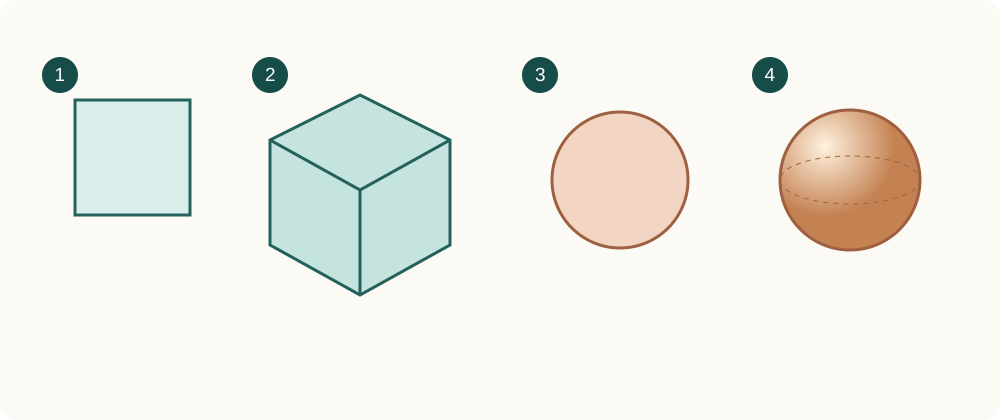
- Square
- Cube
- Circle
- Sphere
A face is not the whole solid
Draw a square on paper and find a roughly cube-shaped box. One face of the box can be represented by a square. The whole box takes up space and can be viewed from several sides. A drawing of the box is still a flat representation of a solid.
Look for defining features
Turn the box and compare its faces. Do not identify a cube only by its color, its size or how many faces are visible in one picture. Real packaging may have rounded corners and flaps; notice how it differs from the ideal solid in the diagram.
Build an explanation
Ask: “What stays the same when I turn it?” Then compare the box with a ball. Use words such as flat face, curved surface, edge and corner when useful. Accurate perspective drawing is not a prerequisite for this activity.
Observation and making activity
Learning resources
- Paper and a pencil
- A roughly cube-shaped box
- A ball
- 1
Match the square to a face of the cube. Explain why the whole cube is not a square.
- 2
Turn the box. Name one feature that stays the same.
- 3
Compare the ball and the box. Find a flat face and a curved surface.
Checks and explanations
- A cube has six faces, including faces hidden from this viewpoint.
- Turning the cube does not change its type. Color is not a defining feature.
- The circular outline in a picture represents a view of the ball, not the whole sphere.
What the model can and cannot show
The diagram shows ideal shapes rather than measured objects. An AI-generated model may have rounding or extra details, so do not use it as the answer key.
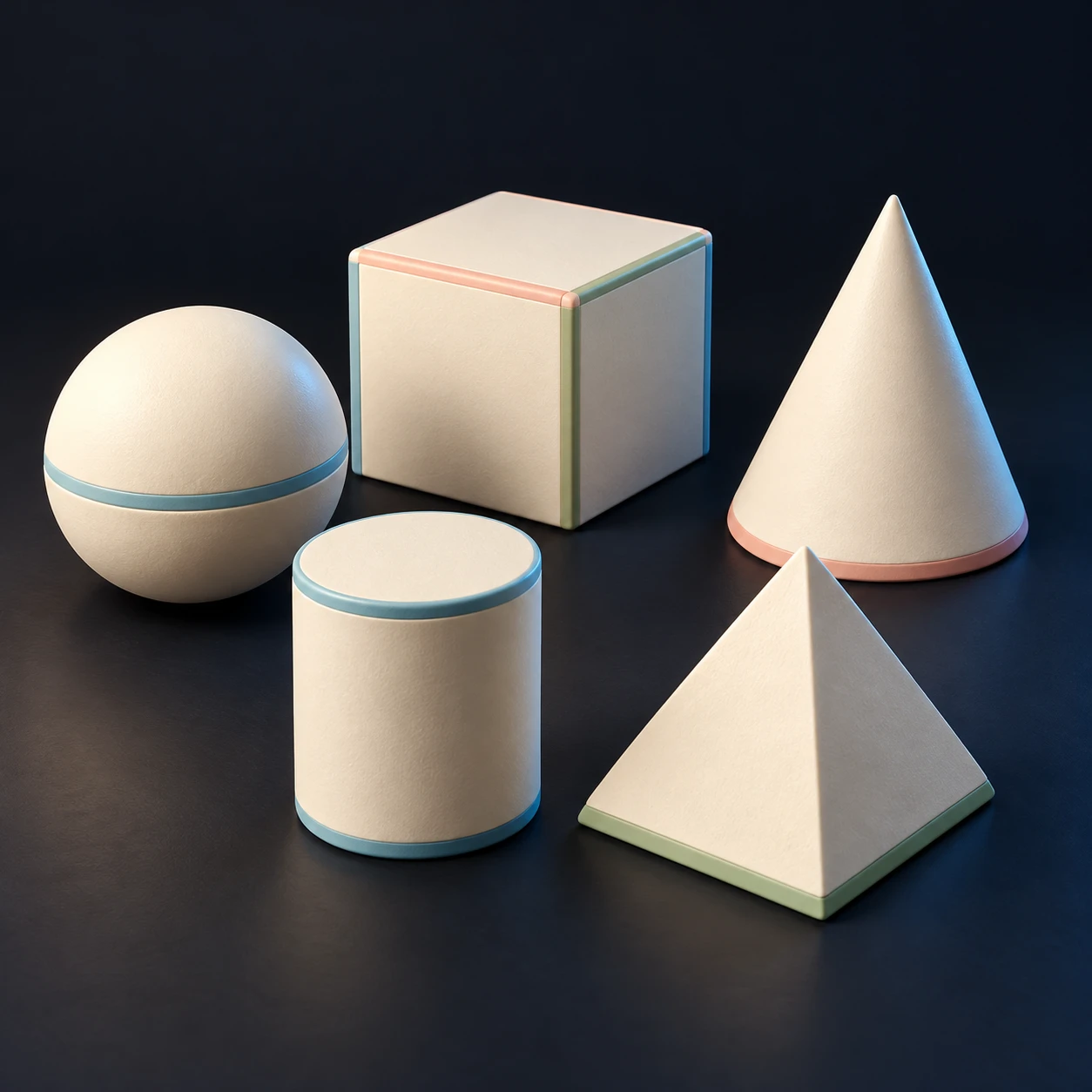
AI concept image · builtin-imagegen
Optional: create a digital model
You can finish the activity without generation. To explore another angle, create a digital model, then check its structures and omissions against the diagram.
Each live request generates one result and uses an allowance. Authorized sign-in is required.
Concept images are not finished models or verified structures. Choosing an image does not start generation.
Create model →Original English used for the image · Prompt
Create one premium educational toy concept image for a website gallery. Subject: A tidy set of five elementary solid geometry teaching models: sphere, cube, cone, cylinder, pyramid. Ivory matte material with small restrained pastel accents, arranged together, all distinct and visible. Unified style: miniature physical teaching object made of matte ivory clay or PLA-like material, plain deep charcoal navy studio background (#0f141e), warm soft key light upper left, subtle cyan rim light and grounded shadow. Sturdy simplified forms, carefully modeled recognizable subject, a three-quarter product view unless top-down is specified. Square composition, entire subject fully visible with 15 percent safety margin on all sides. Restrained muted pastel accents only where useful. No text, no letters, numbers, labels, logos, watermarks, people or hands. This is an AI concept illustration. No cinematic scenery, no user interface.
Sources: builtin-imagegen · v1